Economics Graph Maker
Build, explore, and experiment with every AP Economics graph. Full control over every parameter, no lessons, just interactive graphs. Download most graphs as a PNG or SVG for worksheets and slides, or copy a link to the exact setup you built. Free for classroom use.
21 graphs
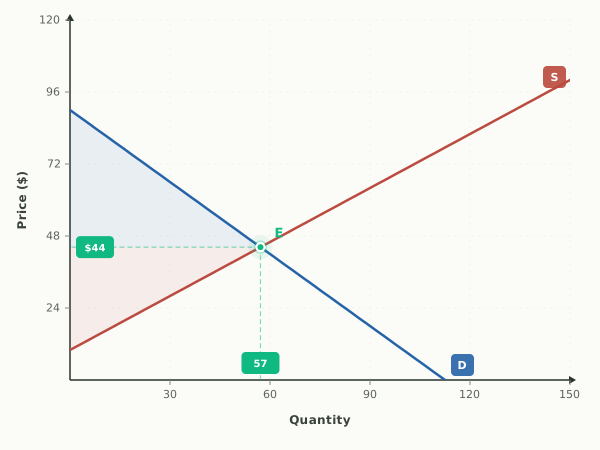
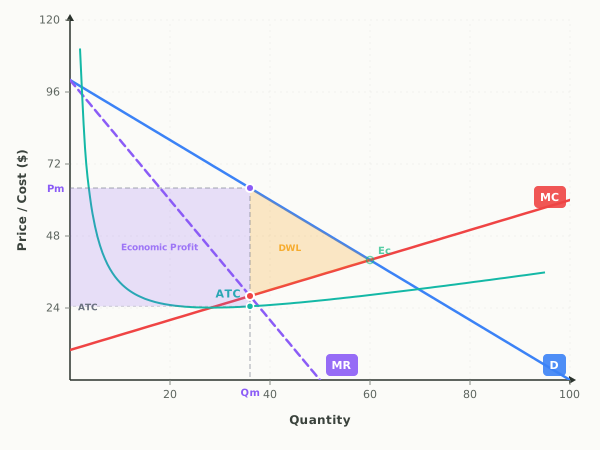
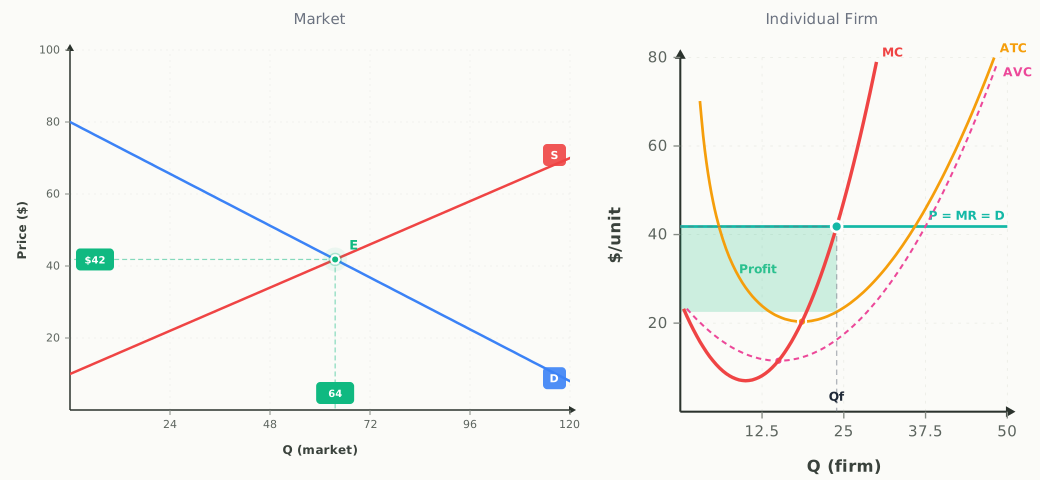
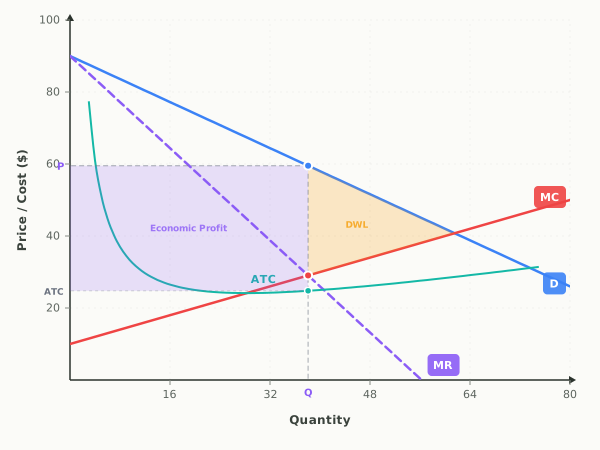
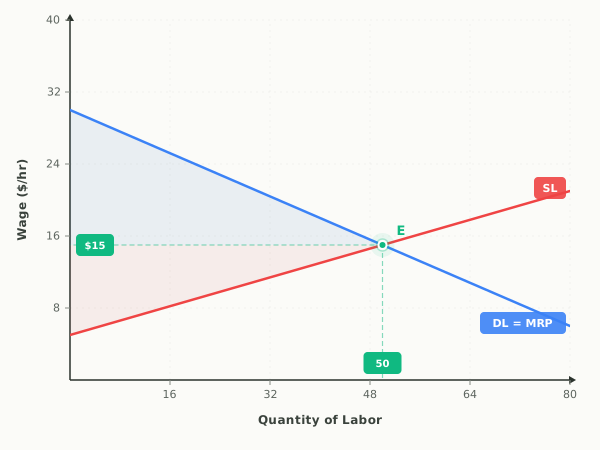
How to make an economics graph
- 1
Pick a graph
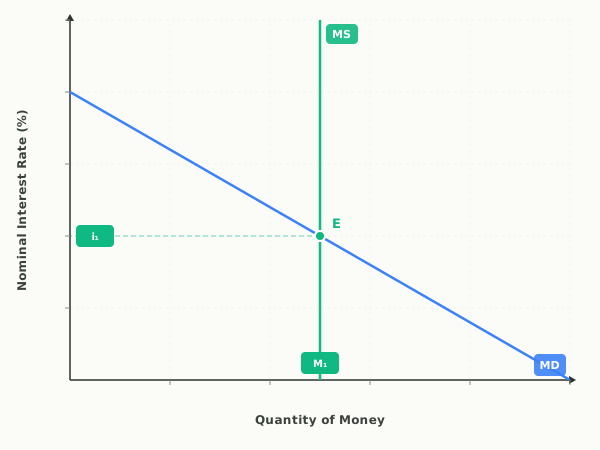
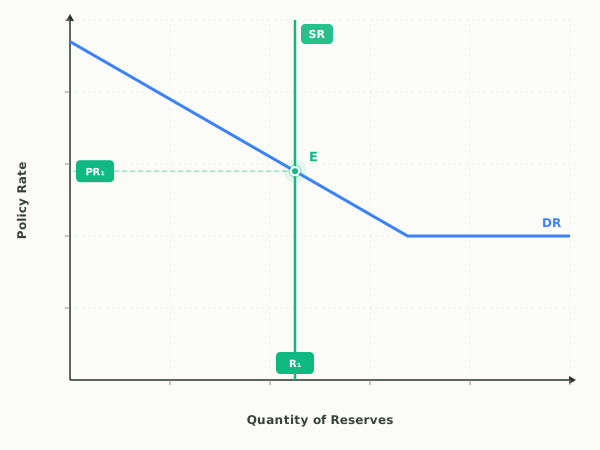
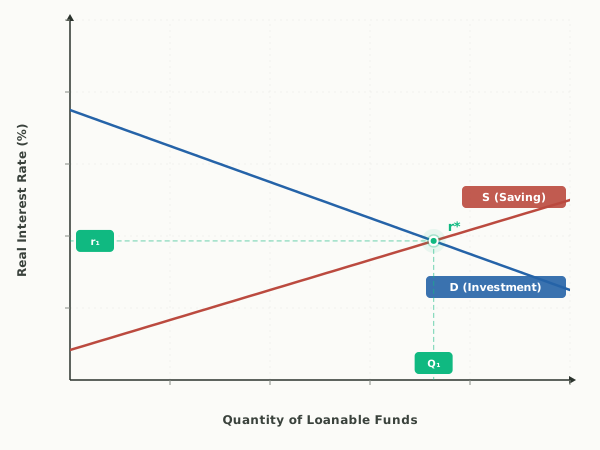
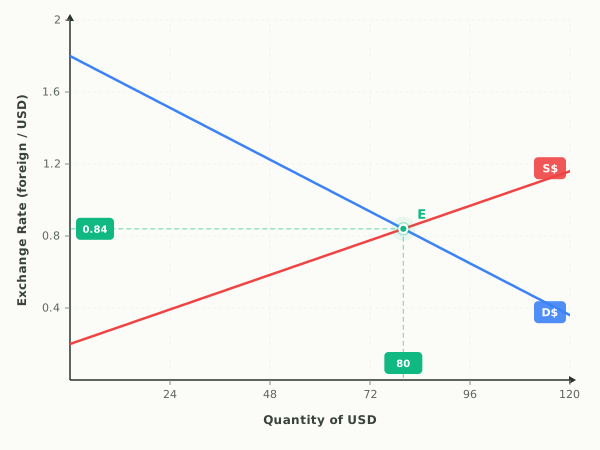
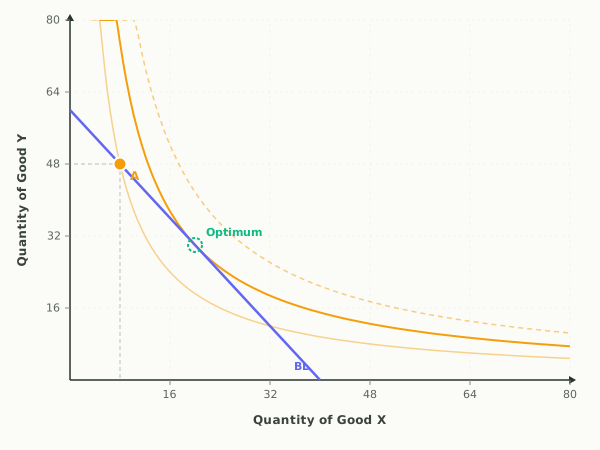
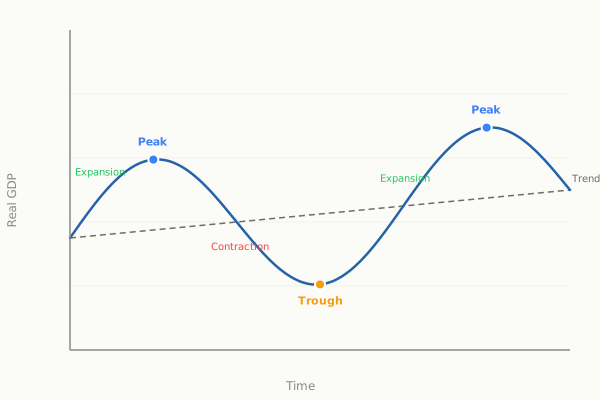
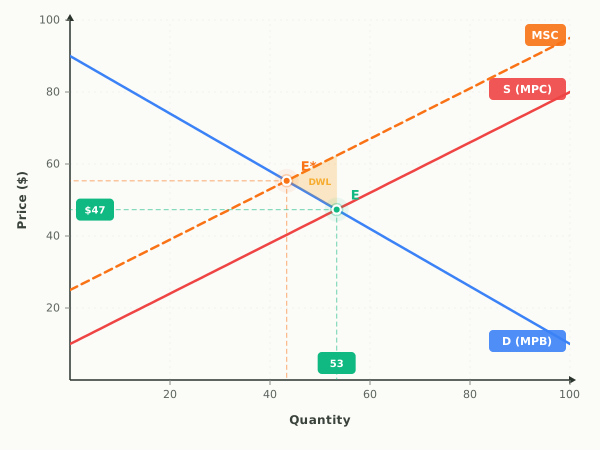
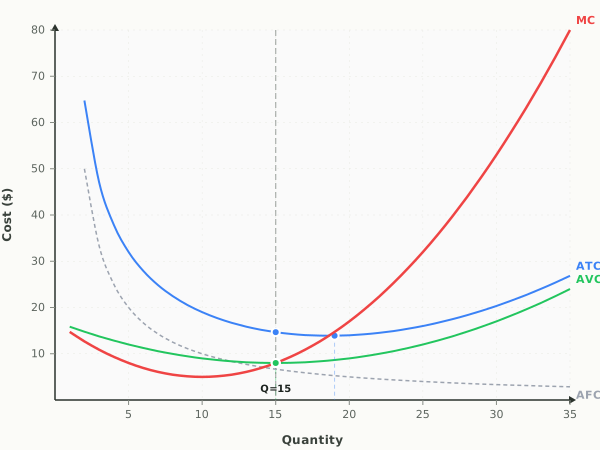
Choose one of the 21 graphs above. The Microeconomics and Macroeconomics tabs and the search box narrow the list.
- 2
Drag the curves
Drag a curve to shift it and the graph updates as you go. Sliders and the Show / Hide buttons set up the rest, and fullscreen is there for presenting.
- 3
Download a PNG or SVG
Most graphs have Download PNG and Download SVG buttons under the plot. A PNG drops into slides and worksheets; an SVG stays sharp at any size.
- 4
Copy the link
"Copy link to this graph" saves the exact setup you built in a link, so anyone who opens it sees the same graph.